|
||||||||||||||
|
Using
hatch styles
|
||||||||||||||
|
||||||||||||||
|
||||||||||||||
|
Using
hatch styles
|
||||||||||||||
|
||||||||||||||
The region objects have a further attribute that allows to clearly display the area enclosed by the region itself
There are two methods to clearly display the area enclosed by the region itself:
This
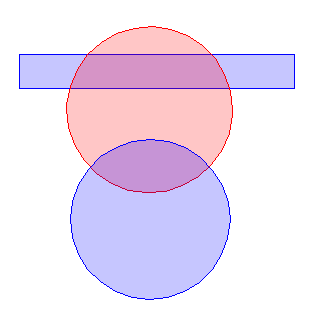
procedure floods the area with the specified color and percentage of transparency.
The
example here below shows 3 regions (2 cyan and 1 pink) which are superimposed to
each other.
Using
the transparency, it is possible to partially display the objects positioned under
the region.
This
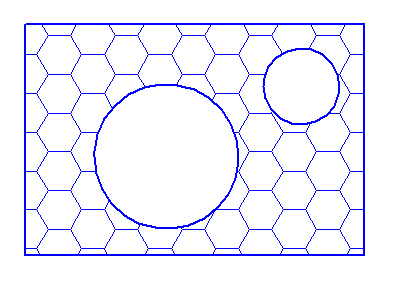
procedure fills the area using a specific hatch style.
The
hatch styles can be defined in several ways (sometimes fairly complex).
The
following example of hatch style is a quite common one, using hexagons: