 devFoam 3 - Cut Text

-
Using DevFoam you can create in a very simple way cutting files for a foam
cutting 4 axis CNC machine
-
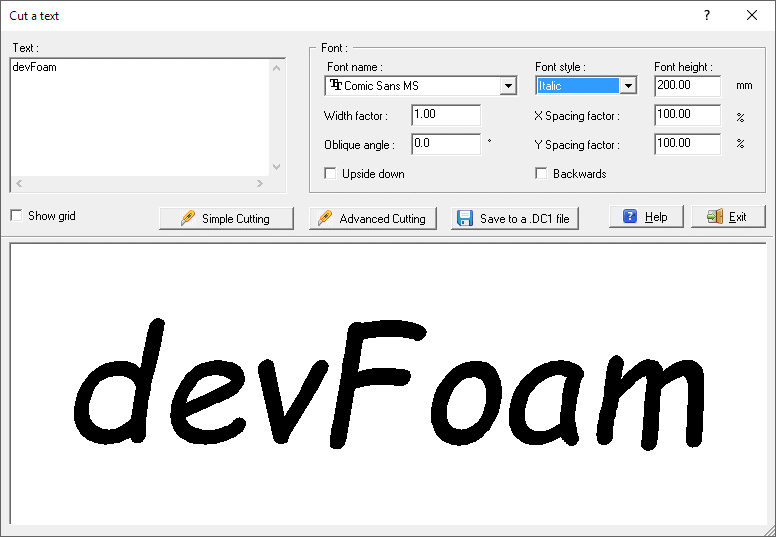
A special feature lets you to cut Text using the Windows Font, just digit the
text, select the Font and Size and go to cut it!
-
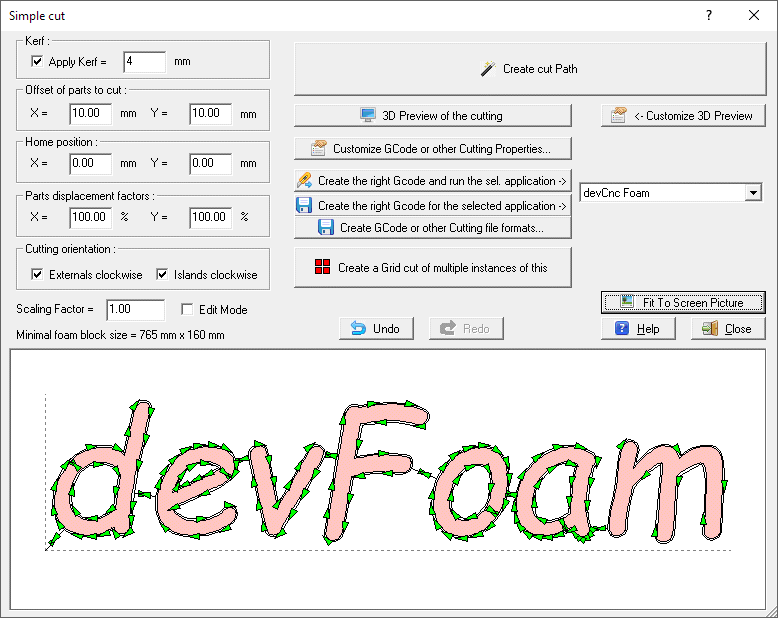
You can cut it using the original letters placement, and create automatically a
smart cutting Path just pressing a button:
-
Or you can use the Advanced cutting to automatically apply Nesting and
create the Cut file:

-
Now you must just press the button to export the cutting path to your preferred
file format, GCode, DXF, DAT, HPGL/PLT or CUT
-
At this point you can also create a Grid cutting, using the
Create Grid Cut button included in version 2.
-
The new release 2 includes also a smart feature to manage for example Script Fonts.
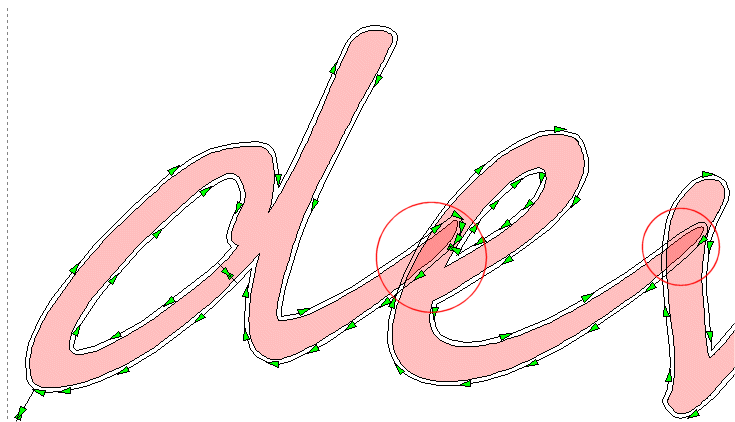
Sometime Script Fonts (like for example 'Segoe Script') produce overimposing letters, to emulate the
a real script. See the example below:

-
If you go to cut in the standard way such Parts, the cutting wire will enter in the near
letter, and the final effect is very bad, see the cutting path inside th red circles:
-
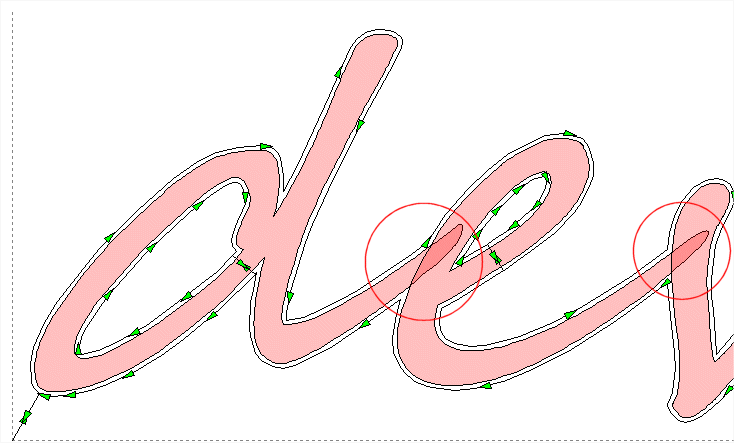
The new version 2, when detect this case, ask you if you like to rearrange
the cutting path, connecting it in a different way.
See again the cutting path inside th red circles:
-
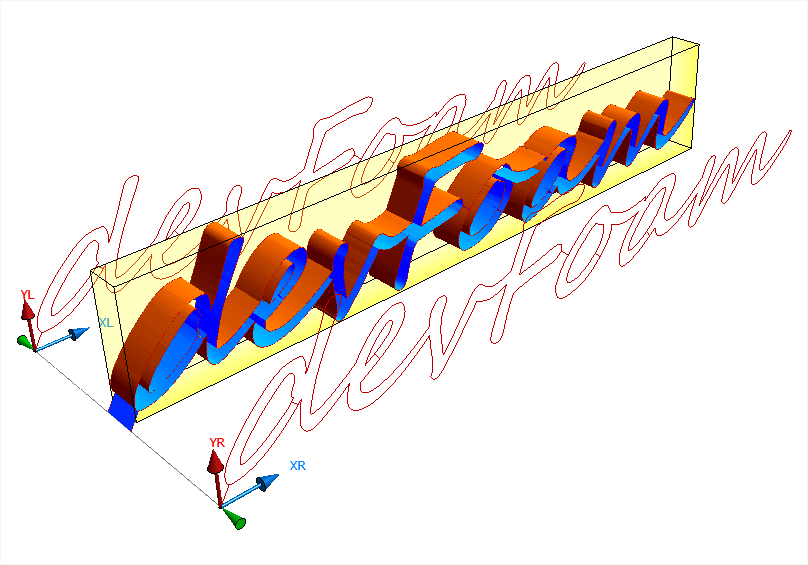
Before going to cut, you can also simulate the process by the 3D preview of the cutting:
|